


Logo Maker : Graphic Designer
4.61.75K Reviews
App Specs
- Version
- 2.2.7
- Updated On
- License
- Free
- Downloads
- 10,000,000+
- Developer
- Prometheus Interactive LLC
- Categories
- Business
- Platform
- Android, iOS
Screenshots
 Analysis by AppCompare
I reach for a logo app when I need a workable visual identity quickly, not when I’m preparing a full brand system for a large organization. Logo Maker: Graphic Designer sits in that practical space: it is a free business app from Prometheus Interactive LLC, built around ready-made designs that you can adapt on a phone. Its current version is 2.2.7, and the app has been available since March 9, 2022. That gives it a few years of presence, though a version number by itself doesn’t tell me exactly what changed along the way.
What the current app is best suited to
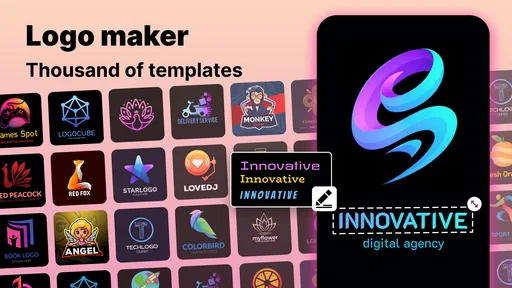
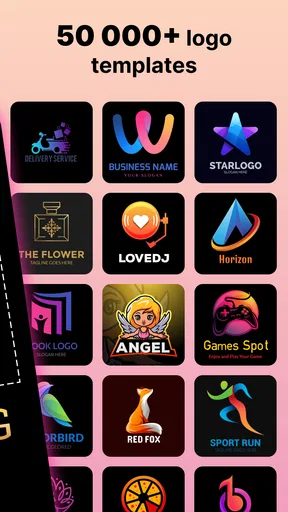
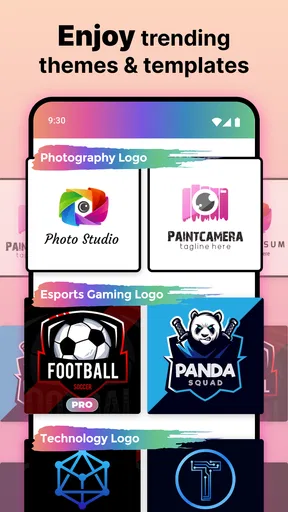
The clearest strength here is getting from a blank page to a visual direction without needing to know professional design software. The library includes more than 5,000 logo templates, icons, and fonts, so I can browse for a starting point instead of having to invent every element myself. In practice, that is useful when I need a simple mark for a temporary project, a small shop, a club, or a personal side business and want to explore several looks before committing.
The app has a 4.6 average from around 135,000 ratings, alongside roughly 1,800 written reviews and over 10 million installs. Those figures suggest it has found a broad audience, but I would treat popularity as a reason to consider it, not as proof that every design will suit every brand. A large template collection makes it easier to find a direction; it does not automatically make the finished logo distinctive.
How to get more from the template workflow
I would start by choosing a template for its basic shape and balance, rather than its exact colors or wording. That makes it easier to judge whether the central icon and text arrangement fit the business before spending time polishing details. Then I’d replace the sample wording, test a restrained color palette, and check the result at a small size. A logo that looks attractive on a phone screen can lose clarity when it is reduced for a profile image or printed on a small label.
Layering is especially useful when I want to move beyond a straight template swap. I can adjust the relationship between text and graphic elements, try a different visual emphasis, and compare variations. My practical tip is to save a few distinct directions rather than making many tiny color changes to one design. Comparing a bold, text-led option with a simpler icon-led version can reveal which one communicates the business more clearly.
Where it fits among other design options
Compared with building a mark from scratch in a full desktop design program, this app lowers the learning curve and helps me produce a first draft much faster. That convenience comes with a trade-off: template-led work can resemble designs made by other people using the same library. If the logo will be central to a long-term brand, I’d use the app to explore ideas and then consider a designer or a more flexible vector workflow for a final, carefully differentiated identity.
It also serves a different purpose from general-purpose design apps. Those can be better when I need a wider range of page layouts or ongoing marketing materials, while a logo-focused template library is more direct when the immediate task is making a mark. I’d choose based on the job: for a quick starting logo, this is approachable; for strict brand guidelines, precise vector editing, or a coordinated set of business materials, a broader or more specialized tool may be a better fit.
Worth Reading Before You Choose

Flipboard Shows What News Apps Must Do Beyond the Feed

Switching to Android Auto Means Rethinking Your Driving Routine

Google Calendar Makes a Crowded Week Easier to Manage

Ludo King Makes the Most of the Minutes Between Plans

Baby Panda World Brings Quick Play to Modern Phones, but Its Game Library Feels Busy

ESPN’s Live Game View Makes Following Close Games Easier
Cost, compatibility, and sensible expectations
The app is free to install, with optional in-app purchases ranging from $0.99 to $99.99 per item. I’d explore the available editing options before becoming attached to a particular workflow, especially if a project depends on an asset or capability that may be part of a purchase. This matters when working to a tight budget: decide what you actually need first, and check the price shown in the app before buying anything.
It is rated for Everyone and supports Android 5.0 or later, which makes it accessible on a wide range of Android devices. I’d still plan the design around the screen I have: carefully positioning several layers or comparing subtle typography can be less comfortable on a small display than on a tablet or computer. If precision is the priority, a larger screen and a tool designed for detailed vector work are worth considering.
There are also practical questions worth settling before using a finished logo commercially. I would check the app’s current terms for any rules about template or icon usage, and keep a copy of the chosen design and its exported version somewhere I can find them. For a casual event graphic, the workflow can be enough on its own; for a business identity that will appear on packaging, signage, and online listings, I’d verify that the final artwork meets those production and usage needs.
Logo Maker has continued to a current version of 2.2.7, but I wouldn’t infer a particular new tool or redesign from that number alone. Existing users can judge the present experience directly, while anyone considering an update can check the app’s change notes for specifics. What I would watch for over time is whether the editing and export workflow remains convenient as a project grows, and whether the template-first approach is flexible enough for the kinds of identities users want to create.
If you've ever found yourself in need of a quick and professional-looking logo, look no further than Logo Maker: Graphic Designer. As someone who's always dabbling in creative projects, I was curious about how this app could simplify the process of designing a logo without needing to be a graphic design whizz. Spoiler alert: it does a pretty solid job!
Getting Started with Logo Making
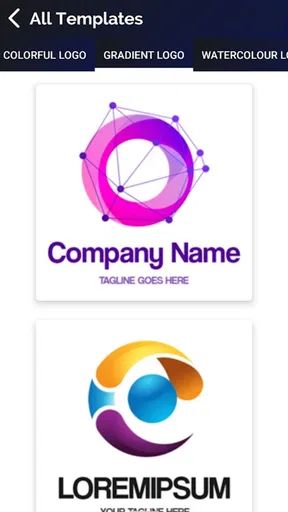
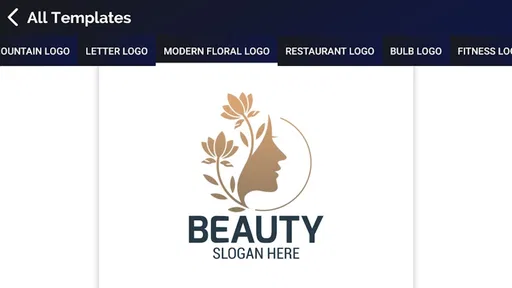
First off, let's talk about the user interface. Logging into Logo Maker: Graphic Designer was a breeze. The layout is clean and intuitive, making it easy even for first-timers to jump right into the creative process. As soon as I opened the app, I was greeted with a plethora of templates to choose from. From modern to minimalist, there's a style for everyone. I found myself scrolling through, each design sparking new ideas for potential projects.
Design Tools and Features
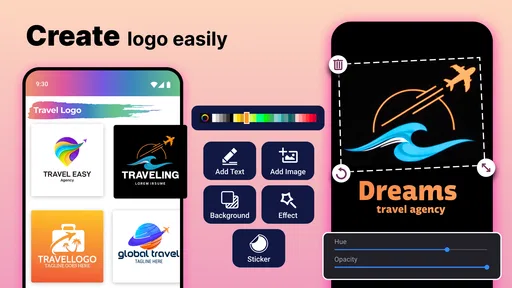
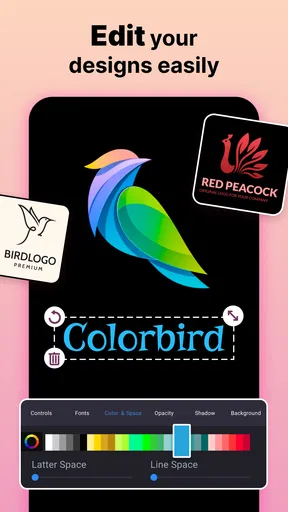
Once you've picked a template, the real fun begins. The app provides a robust set of editing tools that are surprisingly powerful for a mobile app. You can tweak colors, adjust shapes, and even add text with a variety of fonts at your disposal. One feature I particularly enjoyed was the ability to layer elements. This allowed me to play around with different looks until I found the perfect balance.
Another highlight is the built-in icon library. Whether you're looking for something abstract or themed, the selection is expansive. I spent a good chunk of time just browsing through the icons, which are neatly categorized for easy navigation. And if you're feeling extra creative, you can even draw your own icons. The app gives you the freedom to express your vision without constraints.
Saving and Sharing Your Creations
After crafting your masterpiece, saving and sharing is straightforward. The app allows you to download your logo in various formats, which is a lifesaver if you plan to use it across different platforms. I tested the download feature by saving my logo in PNG and JPEG formats, both of which maintained excellent quality.
Sharing directly from the app is also a breeze. Whether you want to brag about your new design on social media or send it over to a client, you can do it with a few taps. It's incredibly convenient, especially if you're working on the go and need to send updates quickly.
Why Choose Logo Maker?
So, why should you consider Logo Maker: Graphic Designer over other options? For one, it's incredibly user-friendly. You don't need to have a degree in graphic design to create something professional-looking. The app is designed to be accessible, making it a perfect choice for small business owners, freelancers, or anyone needing a quick logo solution.
Moreover, the sheer variety of templates and customization options means you're not limited to cookie-cutter designs. You can truly make a logo that reflects your brand's identity. Whether you want something bold and eye-catching or sleek and understated, this app has you covered.
Logo Maker: Graphic Designer also stands out for its affordability. Many design tools require hefty subscriptions, but this app offers a cost-effective solution without sacrificing quality. It’s a great way to get professional results without breaking the bank.
Final Thoughts
In conclusion, Logo Maker: Graphic Designer is a fantastic tool for anyone looking to create a logo without the hassle of complex software. It's versatile, user-friendly, and packed with features that cater to both beginners and seasoned designers. Whether you're launching a startup or simply want to refresh your brand’s look, give this app a try. You might just find it becomes your go-to design tool!
Pros
- User-friendly interface for quick design.
- Wide range of templates to choose from.
- High-quality export options available.
- Customizable fonts and colors.
- Supports multiple file formats.
Cons
- Limited free version features.
- In-app ads can be intrusive.
- Occasional app freezes reported.
- Some templates feel outdated.
- Requires internet for full functionality.
FAQs for Logo Maker : Graphic Designer
What features does Logo Maker: Graphic Designer offer?
Logo Maker: Graphic Designer provides a robust set of tools to create stunning logos. Users can access a wide range of templates, fonts, icons, and color palettes. The app includes drag-and-drop functionality, making it user-friendly for beginners while offering advanced features for professional designers. It also supports exporting in various formats.
Is Logo Maker: Graphic Designer easy to use for beginners?
Yes, Logo Maker: Graphic Designer is designed with beginners in mind. The intuitive interface, along with step-by-step guides and tutorials, makes it accessible for users with no prior design experience. The app’s drag-and-drop feature allows users to create professional-looking logos without any hassle.
Are there any in-app purchases or subscription fees?
Logo Maker: Graphic Designer offers a free version with basic features. However, to unlock premium templates, advanced design tools, and remove ads, users can opt for in-app purchases or subscribe to a monthly or annual plan. Pricing details are available within the app’s settings or store page.
Can I use Logo Maker: Graphic Designer for commercial purposes?
Yes, users can create logos for commercial use with Logo Maker: Graphic Designer. The app provides a commercial license with its premium subscription, allowing users to use their designs for business branding, marketing materials, and more. Always check the specific licensing terms within the app.
Is Logo Maker: Graphic Designer available for both Android and iOS?
Logo Maker: Graphic Designer is available for download on both Android and iOS platforms. Users can find the app on the Google Play Store for Android devices and the Apple App Store for iOS devices. It is optimized to work smoothly on both operating systems, ensuring a seamless design experience.


